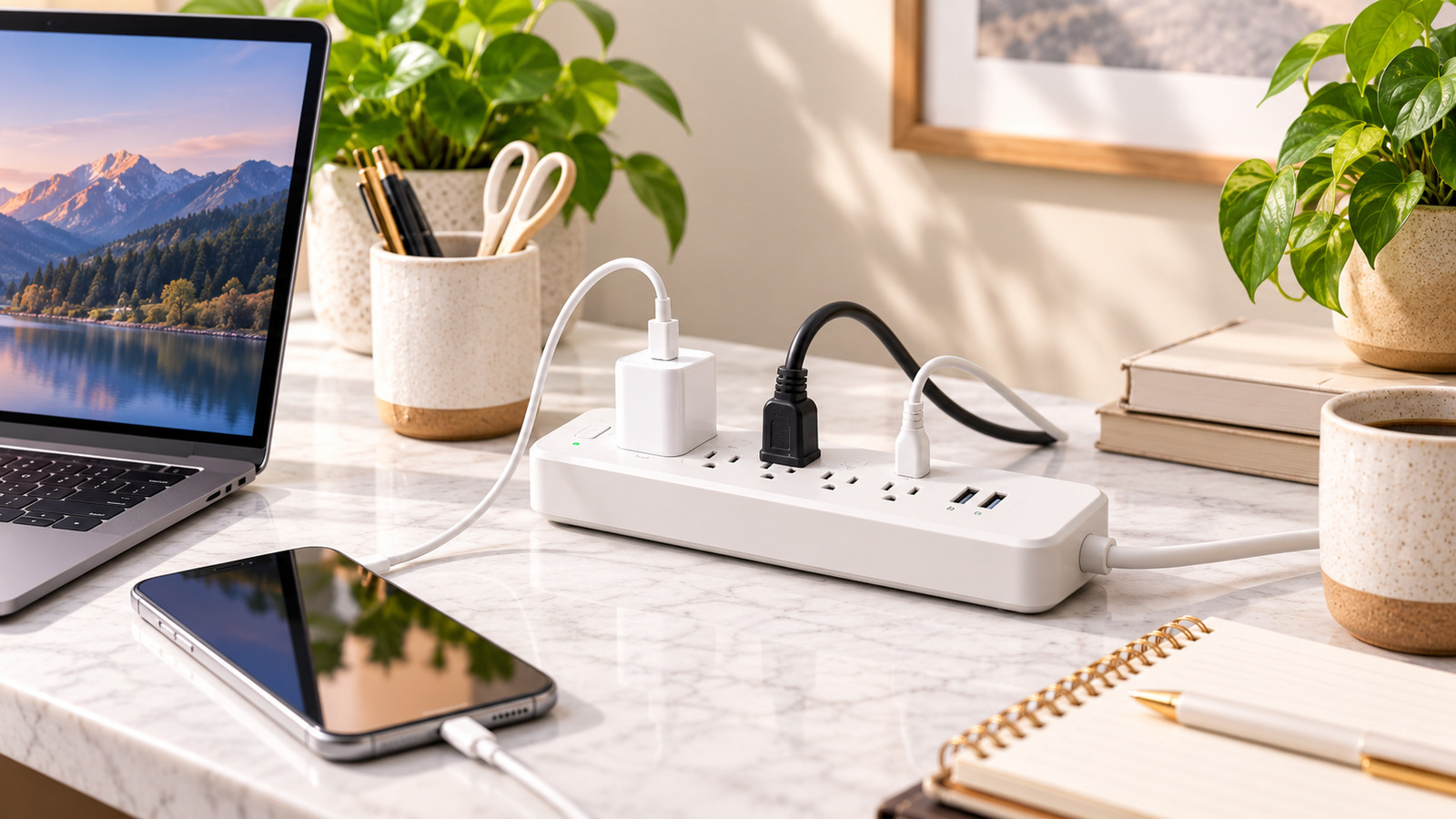
A power strip and a surge protector are not the same thing
A basic power strip simply turns one outlet into several. A surge protector includes components designed to divert voltage spikes away from connected devices. The two can look identical, so read the packaging and specifications rather than relying on appearance.
In the United States, look for a surge protector listed to the UL 1449 safety standard. Other regions have their own standards and certification marks. A product without a recognised certification is a gamble for expensive electronics.
Understand the key ratings
Surge protector packaging usually lists a few numbers. Here is what they mean in practice:
- Joule rating: a rough measure of how much energy the protector can absorb before its protection is used up. Higher is generally better for valuable equipment such as computers and televisions.
- Clamping voltage / Voltage Protection Rating (VPR): the voltage at which the protector starts diverting a surge. Lower numbers mean less excess voltage reaches your devices.
- Response time: how quickly protection begins. Most reputable units respond very quickly, so this is rarely a deciding factor.
Surge protection components wear out as they absorb surges. A protector that has been through several events may still pass power while offering little protection.
Look for clear status indicators
Because protection can wear out silently, a "protected" indicator light is important. Some models also show a "grounded" light that tells you the outlet is properly earthed. Without a proper ground, many surge protectors cannot work as intended. Some designs cut power entirely when protection is exhausted, which is a helpful reminder to replace the unit.
Outlet layout can matter more than outlet count
Six or twelve outlets are only useful if you can actually plug things in. Bulky chargers and power adapters often block neighbouring sockets. Look for:
- Widely spaced or rotating outlets for adapters.
- A mix of orientations so plugs do not collide.
- Enough cord length to reach the wall without an extension lead. Avoid daisy-chaining power strips together.
- A flat or angled plug that lets furniture sit closer to the wall.
- Mounting holes if you want to fix the strip under a desk.
USB charging should match your devices
Built-in USB ports reduce clutter, but their output varies widely. Older USB-A ports may only charge phones slowly. If you want to charge a laptop or tablet, check for USB-C with USB Power Delivery and a wattage that matches your device. Also check whether total USB output is shared across ports, because the per-port speed may drop when several devices charge at once.
Where surge protectors help, and where they do not
A plug-in surge protector helps against common, smaller surges that travel through household wiring. It cannot guarantee protection against a direct lightning strike. For sensitive equipment, some people also protect other lines that carry surges, such as coaxial or network cables, using protectors that include those connections.
A surge protector is not an uninterruptible power supply (UPS). If you want a computer or router to keep running through short power cuts, that requires a UPS with a battery.
Safety basics
- Do not exceed the rated load. High-draw appliances such as space heaters generally should be plugged directly into the wall; check the appliance manual.
- Keep strips away from rugs, water and places where they can be stepped on or covered.
- Replace any unit that is damaged, scorched, unusually warm or showing a fault light.
Common mistakes to avoid
- Assuming every power strip provides surge protection.
- Keeping the same protector for many years without checking its status light.
- Buying more outlets than you need but with no space for adapters.
- Relying on slow USB-A ports for laptops.
- Daisy-chaining several strips together.
Quick buying checklist
- Confirm it is a surge protector with a recognised safety certification.
- Compare joule rating and clamping voltage for the equipment you are protecting.
- Look for "protected" and "grounded" indicator lights.
- Check outlet spacing, cord length and plug style.
- Match USB-C wattage to your devices.
- Check warranty terms and current price on the seller's page.